Lucas Oliveira
Learn the true costs and tradeoffs of making AI video ads yourself versus hiring an agency. This practical guide reveals when DIY saves money, when it costs you time and revenue, and how to test the waters for free.
You are spending too much on video ads and getting back mediocre results. The bottleneck isn't your budget. It is your production system. Most operators jump into AI video tools thinking they will save thousands, only to burn weekends on prompt engineering and still produce ads that fail the scroll test.
The counter intuitive truth: AI video ads are not free. They come with hidden costs in time, learning curves, and missed opportunity.
Whether you DIY or hire, you need a clear decision framework. This guide breaks down the real costs, the five signs your current setup is leaking money, and a simple test to decide which path fits your business. By the end, you will know exactly when to open a subscription and when to write a check.
1. The Real Cost of DIY AI Video Ads (Beyond the Subscription)
Your first instinct is to grab a free tier and start cranking out ads. Let me show you why AI video ad DIY cost is higher than the monthly fee.
Tool subscriptions add up fast. HeyGen starts at $23 per month. CapCut Pro is $7.99 per month but the free desktop version serves most needs. Runway runs $29 per month. You might also need stock music or premium footage, another $10 to $20. That is $60 to $80 per month before you create your first ad.
The bigger cost is your time. A beginner needs 5 to 10 hours to produce a single decent video ad. That includes learning the interface, crafting prompts, generating clips, adding captions, and syncing audio. Every hour you spend doing that is an hour you are not optimizing your offer, fixing your funnel, or managing campaigns.
Then there is maintenance. AI models update frequently. Your carefully tuned prompts break. You have to stay current.
That is more hours every quarter.
Opportunity cost is the killer. If your time is worth $100 per hour, that first ad effectively costs you $500 to $1,000 in lost revenue. Suddenly the agency price tag looks different.
Does that mean DIY is always wrong? No. It depends on your scale and skill. But do not pretend the subscription is the only expense.
2. What a Properly Built AI Video Ad System Actually Costs (If You Hire)
Now let me give you honest AI video ad agency pricing. This is what you pay to get the system built for you.
Performance marketing agencies charge $100 to $500 per AI generated video. That price includes script, avatar selection, voiceover, subtitles, and export. Full service production, meaning a custom storyline and multi scene edits, runs $500 to $2,000 per spot. Freelancers on platforms like Upwork average $198 per video, but quality varies wildly. You get what you pay for.
Monthly retainers for ongoing creative testing range from $1,000 to $5,000. That buys you 10 to 50 fresh ad variants per month, plus iteration based on performance data.
Hiring frees up your calendar. You get faster iteration and better hooks because professionals know the platforms. But you lose hands on control over brand nuance. Every third party has a learning curve about your voice.
The key question: can you generate three high quality ads per hour of your time? If yes, DIY wins. If no, hire.
3. 5 Signs Your Current Video Ad Setup Is Losing You Money
Most AI video ad mistakes are invisible until you check the data. Here are the five leaks I see every week.
- You use generic prompts. Prompts like "woman using phone" produce bland stock footage. Viewers scroll past in under two seconds. Your ad never stood a chance.
- You skip testing. Successful campaigns run at least five variants per product per week. If you are testing one or two, you are leaving conversions on the table.
- You ignore platform specs. A 16:9 landscape ad on TikTok is a dead ad. Wrong aspect ratio kills completion rates. Always export 9:16 for Reels, Shorts, and TikTok. And always add captions because most viewers watch without sound.
- You reuse the same ad for weeks. Ad fatigue is real. Click through rates drop 40 percent or more after the first week. Refresh creative weekly.
- You lack a hook in the first three seconds. If you don't grab attention immediately, completion rates hit near zero. Use a pattern interrupt, a bold claim, or a curiosity gap.
Fix these five and you will instantly lower your cost per view. For more on crafting hooks that actually work, read our guide on UGC hooks and the data driven fix.
4. The Honest Comparison: DIY vs Hire for Each Business Size
Let me give you a straight DIY vs hire video ads breakdown based on company size.
Small businesses (1 to 10 employees). DIY makes sense if you have five or more hours a week to invest. Otherwise hire a freelancer for $200 to $500 per video. Your product needs attention, not clip trimming.
Mid size teams (10 to 50 employees). Hire an agency or dedicated in house contractor to produce 20 to 60 ads per month. DIY is inefficient at this scale because your time is better spent on strategy and offers. Consider using HeyGen for quick UGC style variants, but let an expert handle polished brand pieces.
High volume e commerce. Both DIY and hire work. Use Creatify or Arcads to generate rapid product showcase variants. Outsource the high production brand spots. The split keeps costs low without sacrificing quality.
Decision rule: if you can generate three high quality ads per hour of your time, DIY wins. Otherwise hire. That rule has never failed me.
Need help scaling your ad creative? Check out how to generate 20 variants from a single winning ad.
5. How to Test the Waters Without Committing to Either
Before you spend a dime or hire a team, run a free experiment. Use the AI video ad free trial options available today.
Start with HeyGen free plan, which gives you five minutes of video. Or use Google Veo 3 directly inside Google Ads Asset Studio. No separate subscription needed. Create three to five ad variants using one tool. Use a simple script framework: hook, problem, solution, call to action. Keep each ad 15 to 30 seconds for TikTok or Reels.
Run a small A/B test with $100 to $200 ad spend on Meta or TikTok. Measure click through rate and cost per view. If your AI video ads show a 12 percent lift over static images, scale up. If not, iterate or consider hiring a pro.
You can prototype an entire campaign in a weekend. That tells you the real time cost and the quality ceiling. Then you can decide with data, not guesswork.
For more on testing creative at low cost, see our guide on scaling Meta ads on a small budget with AI.
Where to Go Next
You now know the real numbers behind AI video ad production. The path forward depends on your time, budget, and growth goals. If you would rather skip the trial and error and have a system built that actually converts, we can help. Start with a free AI audit to see exactly where your site and funnel are leaking leads, in minutes. No commitment, just a clear next step.
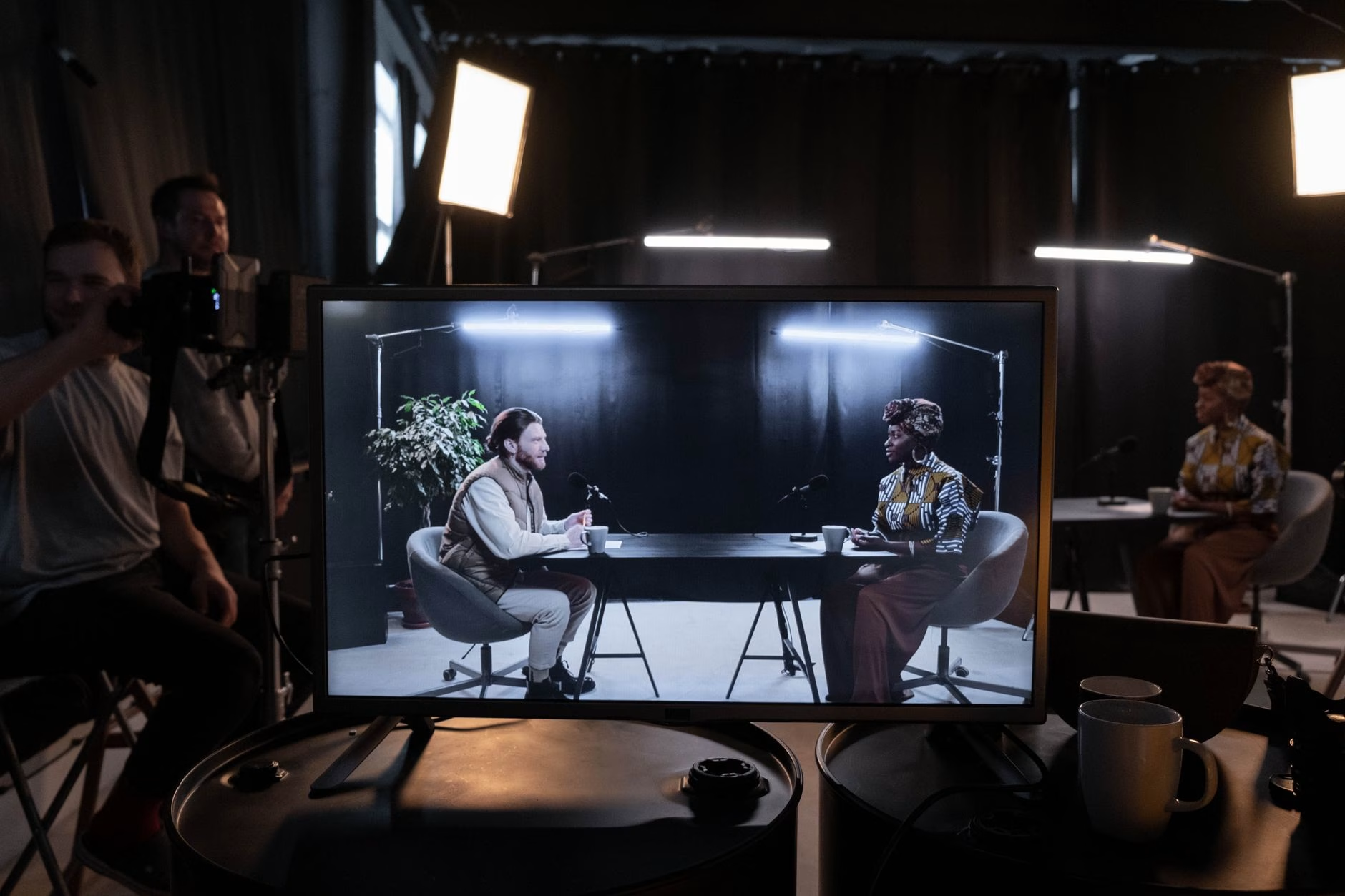
Cover photo by Egor Komarov on Pexels.
Frequently Asked Questions
How much does it cost to create an AI video ad without a studio? +
Subscription costs run $8 to $29 per month for tools like CapCut or Runway. If you factor in your time, expect 5 to 10 hours per ad initially. Using a freelancer or agency costs $100 to $500 per video but saves time.
Can I test AI video ads before committing to a tool? +
Yes. Use free tiers of HeyGen (5 minutes of video) or Google Veo 3 inside Google Ads Asset Studio. Create 3 to 5 variants and run a small A/B test with $100 to $200 ad spend to measure performance.
What are the most common mistakes in AI video ads? +
Generic prompts, skipping A/B testing, wrong aspect ratio for the platform, no captions, and lacking a hook in the first three seconds. Refreshing creative weekly and testing at least 5 variants per product helps avoid ad fatigue.