 Lucas Oliveira
Learn how to shift from an overworked builder of fragile automations to the chief architect of your own 24/7 autonomous AI digital operations team using n8n and Claude.
If you are still logging into Zapier to manually fix a broken integration or copy-pasting lead details from a contact form into a spreadsheet, you are working for your tools. It is time to stop. By shifting your mindset from a builder of fragile, linear automations to the strategic architect of an AI digital operations team, you can build a 24/7 department that handles your administrative burden with zero human error.
Most business owners treat AI as a glorified chat window. They open a prompt, ask a question, copy the answer, and paste it elsewhere. This manual back-and-forth is a productivity killer. According to operational developer benchmarks, founders and technical teams spend roughly 60% of their time context-switching between manual triaging, data review, scheduling, and repetitive deployment tasks. By replacing these fragmented processes with an orchestrated autonomous system, you can recover 20 to 25 hours per week of raw, uninterrupted founder time.
What You'll Be Able to Do
- Build an autonomous lead-triage desk that automatically researches companies, assigns sales reps, drafts custom pitches, and routes them to Slack.
- Deploy a "Human-in-the-Loop" approval system so your AI never emails a prospect or moves money without your green light.
- Run complex multi-step workflows with zero execution tax, paying pennies on the dollar compared to traditional SaaS tools.
What You Need
- An n8n account (either Cloud Pro or a self-hosted community instance).
- An Anthropic API account to access Claude.
- A free SerpAPI account (for Google Search access).
- A Slack workspace and a Google Workspace (Sheets/Gmail) account.
1. The Paradigm Shift: From Automation Builder to Digital Architect
For years, SaaS platforms taught us to automate by building "if-this-then-that" pathways. If a lead fills out a form, add them to a spreadsheet, send a Slack alert, and then email them. This is linear automation: it is rigid, fragile, and breaks the moment the real world gets messy. If a lead types their company name in all lowercase or leaves a phone number blank, the step-by-step logic crumbles.
You shouldn't spend your weekends rebuilding broken Zaps or adjusting conditional branches. Instead, you need to transition to the role of an architect. An architect doesn't lay the bricks; they design the blueprint and hire a team to execute the work. Your new team is an AI employee system driven by agentic AI.
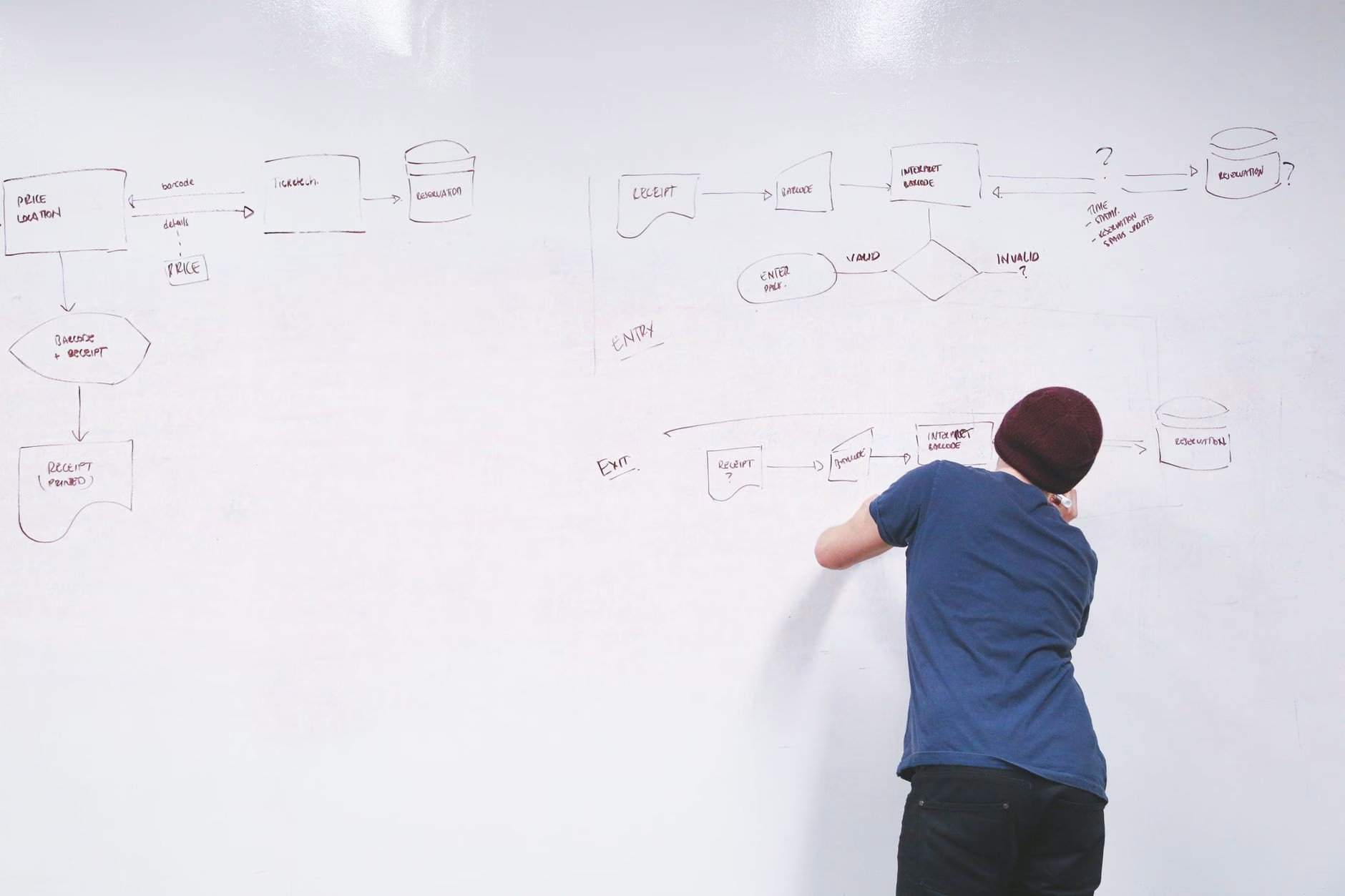
An agentic workflow uses an artificial intelligence model—like Claude—not just to write text, but to make operational decisions. When you build with an agentic model, you give the AI a high-level goal, hand it a toolkit (access to your spreadsheets, search engines, and email accounts), and let it figure out the best path to achieve the goal. This shifts your daily work from building linear pipes to managing a highly capable, tireless digital team.
2. The Economics of Automation: Why n8n Beats Zapier and Make
If you build advanced agentic workflows on traditional automation platforms, your software bill will scale exponentially. This is where understanding the true n8n vs Zapier cost comparison changes the game.
Traditional platforms like Zapier and Make bill you "per step" or operation. If you run a mid-complexity automated business process 10,000 times per month with 8 distinct steps, those steps multiply into 80,000 tasks.
- Zapier Team requires an expensive tier to support 80,000 tasks, escalating to $250 to $400+ per month.
- Make Pro scales to roughly $150 to $200 per month.
- n8n Cloud Pro charges a flat rate of approximately $60 per month (€50/mo billed annually) because n8n bills per successful execution rather than per individual node step.
If you want to eliminate operating costs entirely, n8n offers an incredibly low entry point. You can self-host the n8n Community Edition on a basic Virtual Private Server (VPS) using platforms like Hetzner or one-click services like InstaPods or PikaPods for just $3 to $7 per month. This gives you unlimited executions with zero per-run overhead. When compared to the $24 per month cloud starter limits, self-hosting is an unbeatable way to stop busywork using n8n. For a step-by-step breakdown of hosting budgets, check out the ExpressTech hosting breakdown.
Crucially, n8n structured its billing engine so that only successful executions count toward your monthly subscription tier. Failed runs, errors, and manual testing executions are free, allowing you to safely experiment, debug, and iterate without watching your SaaS bill tick upward with every mistake.
3. The Core Blueprint: Balancing Rigid Workflows and Agentic AI
A major mistake founders make when adopting AI is trying to use it for everything. If a task is 100% predictable—such as "when a payment succeeds in Stripe, save the receipt to Google Drive"—using an AI model is wasteful and expensive. This is a deterministic task that requires rigid, traditional logic.
An agentic shift in operations happens when you combine both worlds: use deterministic workflows for reliable data transport, and delegate only the complex reasoning steps to Claude. This strategy dramatically reduces system brittleness.
Analogous breakdown: Think of deterministic nodes as conveyor belts in a shipping facility. They are cheap, fast, and move boxes from point A to point B perfectly. The AI Agent Node is the human worker standing at the end of the belt, reading messy hand-written addresses on boxes and deciding which truck they should go on.
By using n8n’s native AI Agent Node (configured in Tools Agent mode) and attaching Claude as the brain, you can collapse massive, fragile workflows into a clean, compact footprint. For example, a traditional automation built to screen job applicant resumes and enrich lead data typically requires up to 20 individual nodes. By leveraging Claude, that same system shrinks to just 6 nodes. The single AI node handles file format detection, text extraction, qualitative analysis, and outputs perfectly structured JSON data without custom code.
To keep API token costs low and prevent your AI from getting confused by old information, attach a Window Buffer Memory Node to your AI Agent. This sub-node tells the agent to remember only a sliding window of the last 5 to 10 interactions. If you need your AI team to maintain long-term memory across days or weeks, you can substitute this with a PostgreSQL Chat Memory Node to write history directly to an external database.
4. Step-by-Step Build: The Autonomous Inbound Lead Desk
Let's build a real-world, high-value asset: an Autonomous Inbound Lead Desk. This system acts as an intelligent triage agent. When a prospect submits a contact form, the AI researches the company via Google Search, looks up sales territory rules, drafts a hyper-personalized response, logs everything to Google Sheets, and sends a draft to Slack for your approval.
The Workflow Topology
Our autonomous desk runs on a clean, 6-node setup:
[Webhook Trigger] (Contact Form Submission)
         │
         ▼
[AI Agent Node (Tools Agent mode)] ── (Sub-Node: Claude Model)
         │                         ── (Sub-Node: Window Buffer Memory)
         ├─ [Tool 1: SerpAPI Web Search]
         ├─ [Tool 2: Google Sheets CRM]
         │
         ▼
[Human-in-the-Loop Node (Slack Tool Approval)]
         │
         ▼
[Gmail Action Node] (Sends approved draft to lead)
Step 1: Set Up the Webhook Trigger
Log into n8n, create a new workflow, and add a Webhook Node. Set the HTTP Method to POST and copy the test URL. This URL is your digital letterbox. Configure your website form to send data directly to this URL whenever a lead submits their details.
Step 2: Add the AI Agent Node
Search for and drag the AI Agent node onto your canvas. Connect the Webhook Node to it. Under the AI Agent settings, set the Agent Type to Tools Agent. This gives the node permission to dynamically choose between tools to accomplish its task.
Step 3: Attach the Brain and Memory
Drag an Anthropic Claude Model node and connect it to the designated "Model" input on the AI Agent Node. Provide your Anthropic API key and select the primary model. Next, connect a Window Buffer Memory node to the "Memory" input of the AI Agent Node. Set the Context Window Length to 5 to prevent runaway token costs.
Step 4: Expose the Search and CRM Tools
Now, give our agent its hands and eyes. Drag a SerpAPI Tool node and connect it to the "Tools" input of the AI Agent. Next, drag a Google Sheets Tool node and connect it to the "Tools" input to read/write from your Master Sales Book spreadsheet.
Step 5: Write the Claude System Prompt
To prevent AI hallucinations and keep your digital operations team focused, paste the following XML prompt directly into the AI Agent Node's settings:
<system_prompt>
You are the Lead Operations Architect for our B2B agency. Your goal is to triage incoming leads, enrich company profiles, and draft highly tailored outreach drafts.

You have access to two tools:
1. "google_search" - Use this to look up the lead's company news, value prop, and target market.
2. "google_sheets" - Use this to read sales assignment rules and log enriched profiles.

Operational Steps:
- Step 1: Search Google for the company name provided in the webhook. Identify their primary target audience and any recent milestones.
- Step 2: Use google_sheets to read the 'Rep Assignment' sheet. Find which of our reps handles the lead's industry.
- Step 3: Draft an email starting with: "Hi [Lead Name], saw that [Company Name] recently [insert specific search insight]..."
- Step 4: Write all output details back to the 'Enriched Leads' sheet in Google Sheets.
- Step 5: Deliver the finalized email draft. This draft MUST pass through human approval before sending. Tell the user you are waiting for approval.

Be direct, professional, and do not make up fake news.
</system_prompt>
This simple configuration transforms a text model into an active worker capable of searching the web, checking business logic, and organizing its thoughts before presenting them to you.
5. Architectural Guardrails: HITL and Avoiding Runaway AI Loops
When you transition to an orchestrate autonomous workflows mindset, you must build guardrails. Leaving an AI agent unsupervised with access to the open web and your email accounts is an operational hazard.
The Runaway Reasoning Loop Trap
If you give an AI agent multiple tools, it can enter an infinite loop. If the Google Sheets tool returns an unexpected formatted error, Claude might try to correct its search query and retry indefinitely.
- The Fix: Always open the settings on your AI Agent Node and set the Max Iterations parameter to a hard limit of
3or5. This ensures that if the agent does not solve the task in 5 steps, it stops and alerts you.
Deploying Human-in-the-Loop (HITL) Controls
Do not let your agent send customer-facing emails directly. Click the + icon on the tool connector inside the AI Agent and add n8n's native Human-in-the-Loop (HITL) for Tools node. Configure it to route to a private Slack channel. When Claude finishes drafting the email, n8n pauses execution and posts an interactive message in Slack. The moment you click Approve, the workflow resumes and sends the email.
The Split-Workflow (Async Portal) Pattern
Using a standard Wait node to pause a workflow for days can be risky if your server restarts. Use the Split-Workflow Pattern instead:
- Workflow 1 (The Collector): Gathers lead data, drafts the pitch, saves it to a database with a status of "Pending," sends the Slack approval link, and exits.
- Workflow 2 (The Executor): Triggered by an incoming Webhook when you click "Approve" in Slack. It updates the database status to "Approved," fetches the draft, and emails the prospect.
6. Getting Started: Your First Day as an Automation Architect
Step 1: Choose Your Hosting
If you want a friction-free setup, go to n8n.io and sign up for a cloud account. If you want a cost-effective playground with zero run limits, head to InstaPods or PikaPods to spin up an n8n Community Edition container in about 60 seconds.
Step 2: Write Ultra-Precise Tool Descriptions
Remember, Claude only reads the Description field of the tool you provide. Write descriptions like precise code comments:
"Use this tool to write the parsed prospect company name, CEO name, and estimated revenue into the Master CRM Google Sheet. It expects three parameters: 'companyName', 'ceoName', and 'annualRevenue'."
Step 3: Pick Your Top 3 Admin Targets
Build one workflow at a time. Focus on the three most repetitive administrative tasks that drain your mental battery, such as daily performance reporting, sorting support tickets, or onboarding new clients. Once your first digital agent is running smoothly, you will quickly realize how easy it is to scale your operations without making another manual hire.
Where to Go Next
- Ready to scale client onboarding? Read our guide on how to automate your client onboarding without writing a single line of code.
- Want to dive deeper into agentic systems? Check out our breakdown of how to turn Claude into your personal AI coworker using the Model Context Protocol.
- Curious about self-hosting mechanics? Take a look at FuturePicker's analysis for a deep look at self-hosting infrastructure overhead.
Cover photo by Tima Miroshnichenko on Pexels.
Frequently Asked Questions
Do I need to know how to code to use n8n or Claude tools? +
No. n8n is built entirely as a visual, drag-and-drop node system. Claude acts as your interpreter. Instead of writing code, you configure your nodes visually and write instructions in plain English using system prompts and precise tool descriptions.
What is the main difference between n8n and Zapier? +
Zapier bills you per "task step" executed inside a workflow, which can make complex multi-step AI agents incredibly expensive. n8n bills you only for successful, completed workflow executions, regardless of how many steps or loops happen inside that workflow. This results in a 5-8x cost saving for complex systems.
Is my data safe when using Claude inside automated workflows? +
Yes. When using Anthropic's developer API keys inside n8n, your data is protected under developer terms of service. This means your business data, contact forms, and client logs are never used to train Anthropic’s public AI models.